Tutoriais
Short step-by-step videos of the TradeStrike app: getting started, adding money, trading and staying secure.
-
 0:25
Primeiros passos
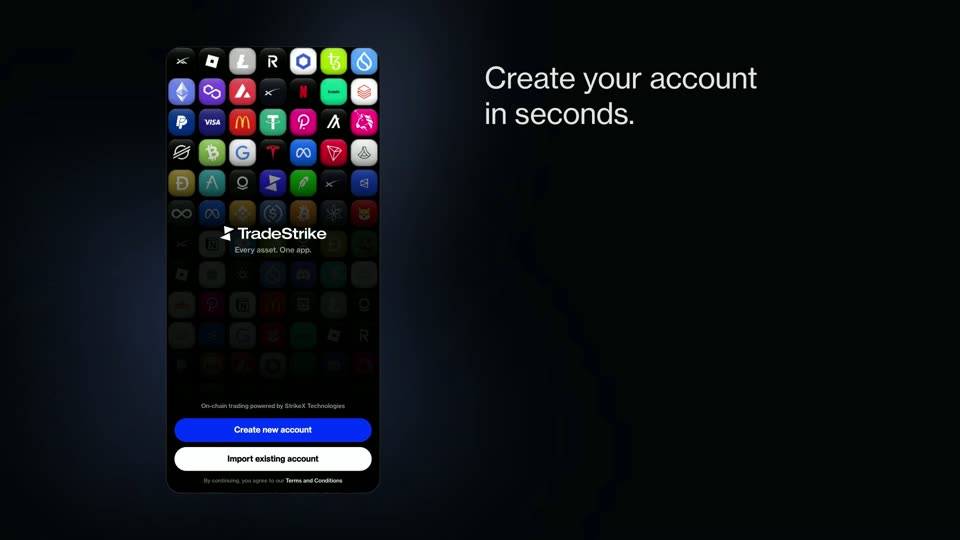
Create your account
Set up with a passkey and Face ID. No seed phrase.
-
 0:48
Primeiros passos
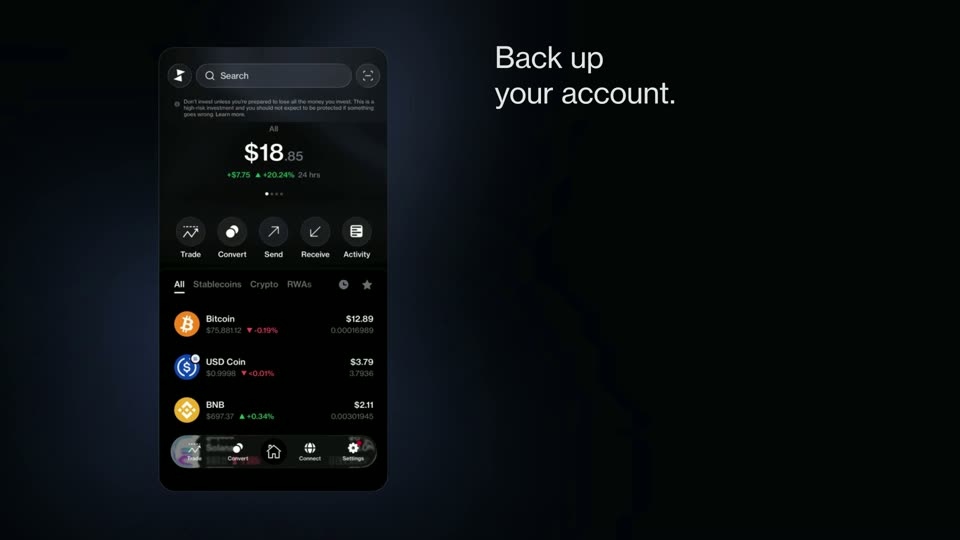
Back up your account
Add a backup wallet that can recover your account.
-
 0:27
Add money
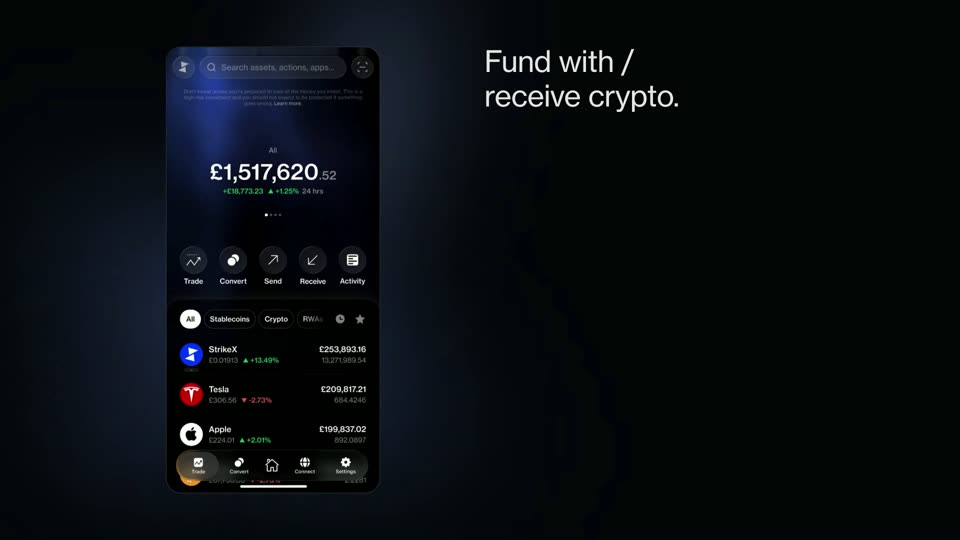
Fund with crypto
Copy your address on the right network, then send from another wallet or exchange.
-
 1:01
Add money
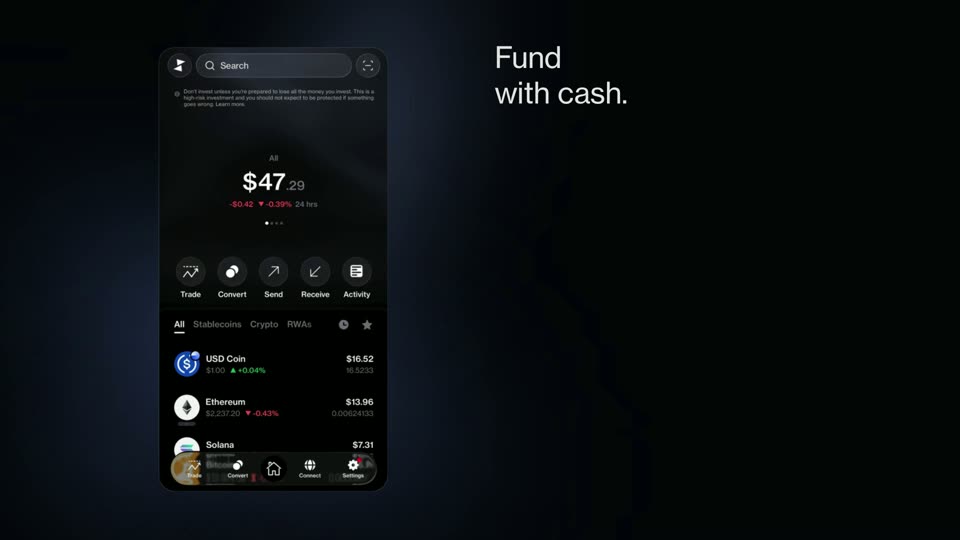
Fund with cash
Buy USDC with a card, Apple Pay or bank through Transak, in supported regions.
-
 1:43
Trade
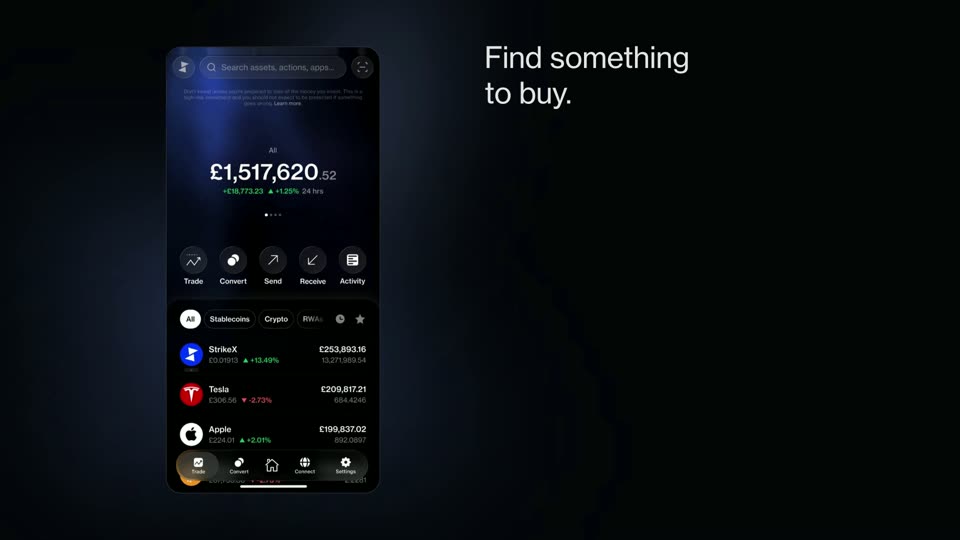
Find something to buy
Browse markets, refine your search and read an asset’s page.
-
 1:03
Trade
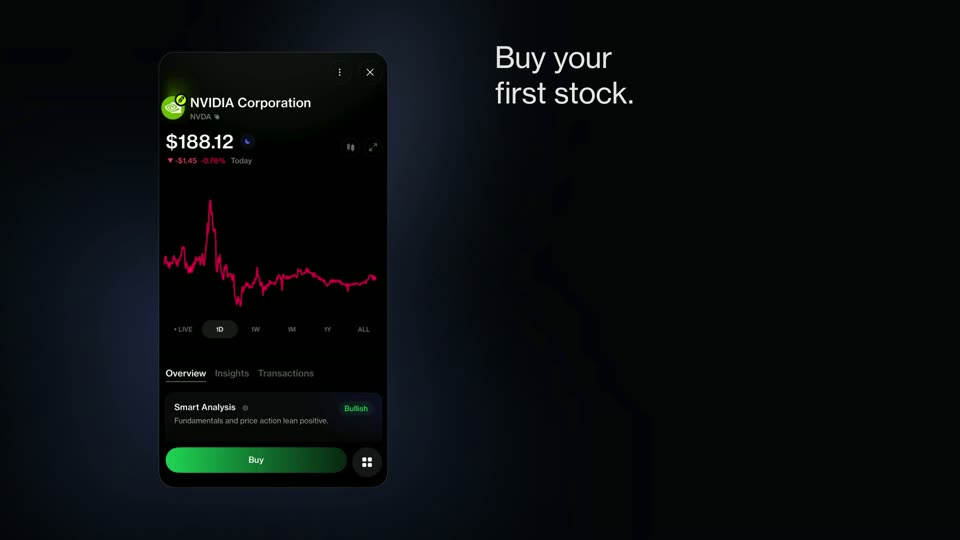
Buy a stock
Buy a tokenised stock like NVIDIA with USDC and confirm with Face ID.
-
 0:48
Trade
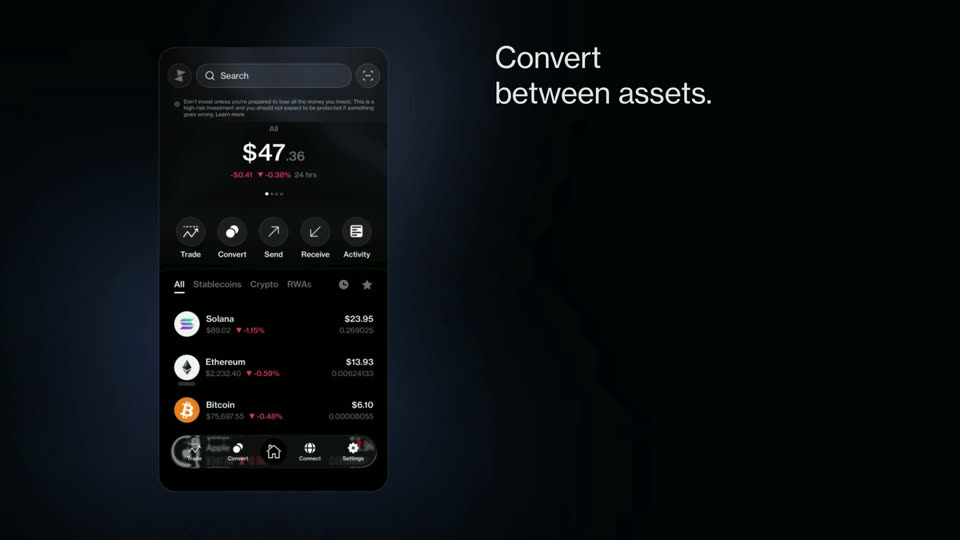
Convert between assets
Swap one asset for another, across networks, in a few taps.
-
 1:06
Trade
Market Insights and News
Sentiment, market snapshots, earnings and the latest headlines.
-
 0:52
Sending and security
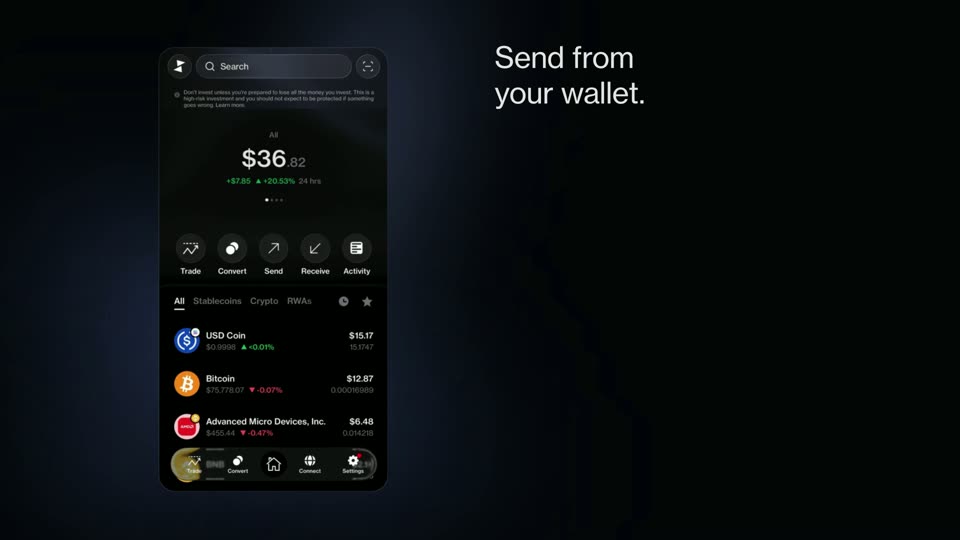
Send from your wallet
Send to an address, save it as a contact and review before you approve.
-
 0:31
Sending and security
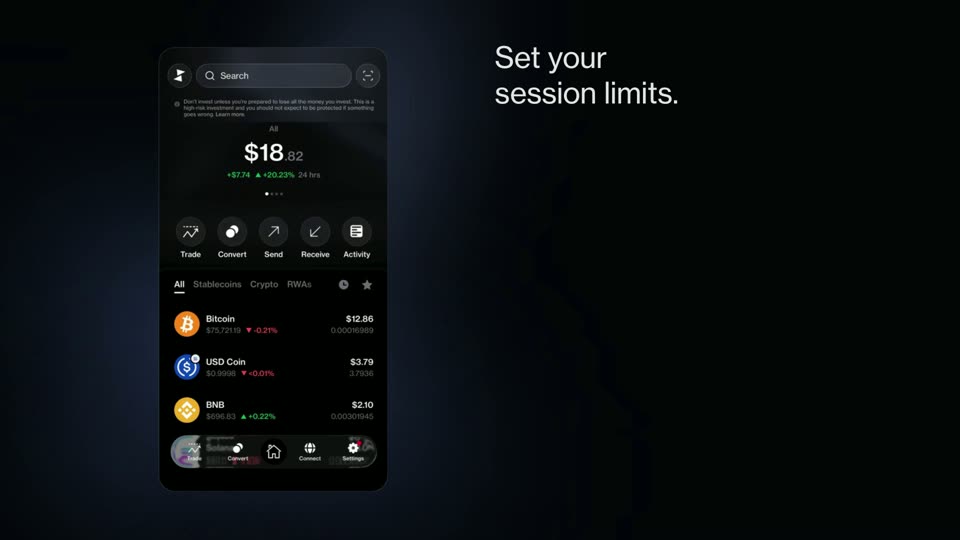
Session limits
Turn on one-tap swaps with a spend limit and time window you choose.
